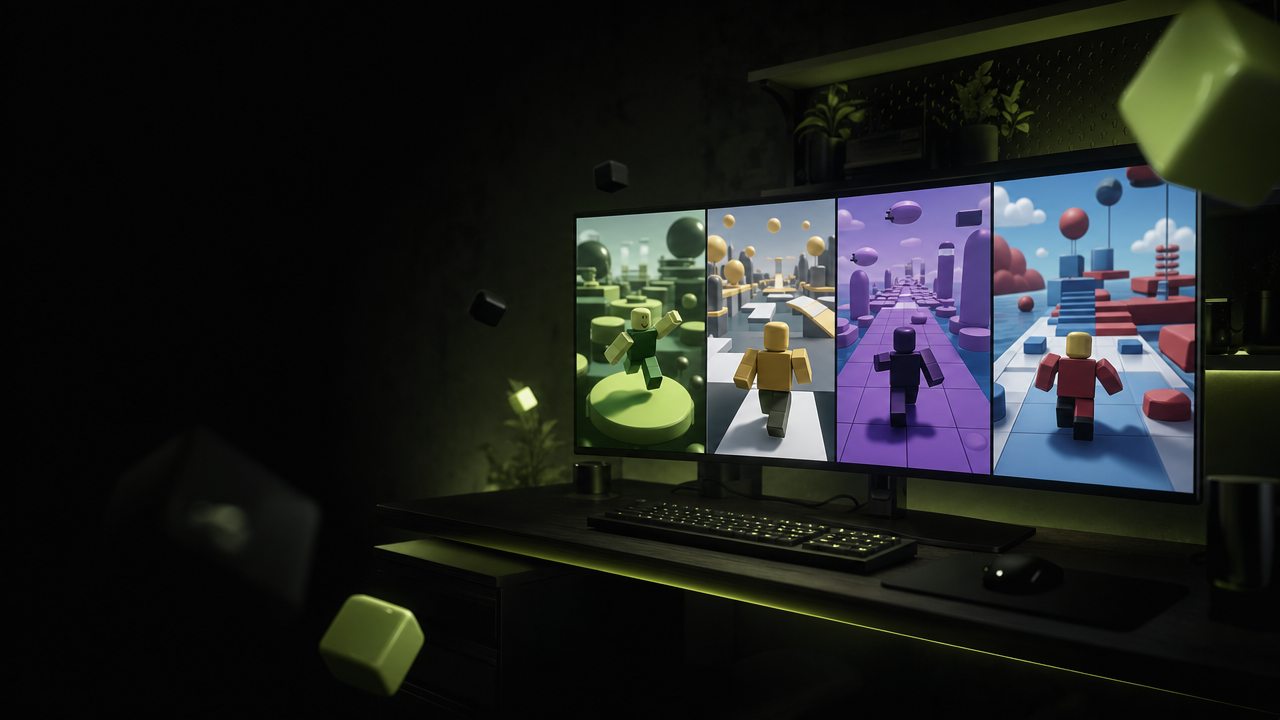
Open multiple Roblox windows.
BloxNest is a simple Windows utility for running multiple Roblox accounts side by side.
Free for Windows 10 and 11
Just what you need.
-
Open more windows
Run multiple Roblox clients side by side.
-
Automatic updates
BloxNest checks Roblox before launching.
-
Runs quietly
Keep it available from the system tray.
How it works
-
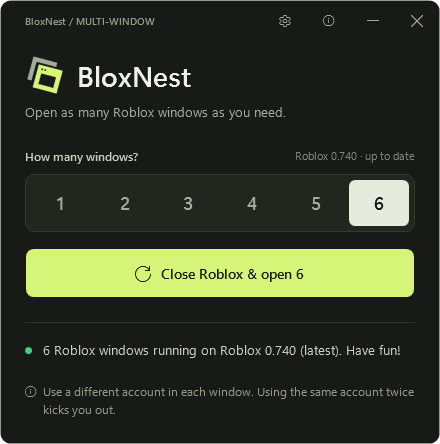
Choose a window count
Pick how many Roblox clients you want.
-
Launch BloxNest
BloxNest opens the windows for you.
-
Log into each account
Use a different Roblox account in each window.
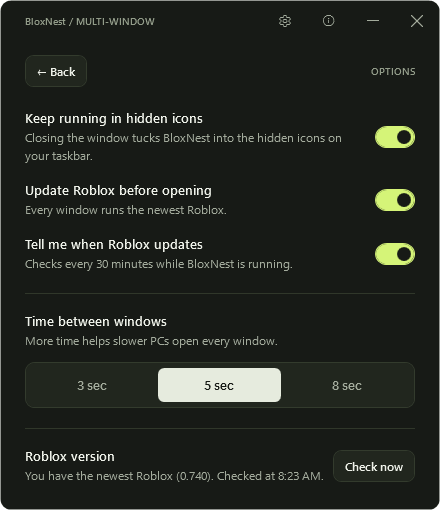
Less setup.
More side by side.
Choose how many windows you want and launch them without a complicated dashboard.
- Up to 20 windows
- Adjustable launch delay
- Automatic Roblox update check
Made for more than one account.
Play, test, trade, or manage multiple Roblox accounts side by side.
Why I built BloxNest
xRed1, student developer
I'm a student and just a regular dude. I wanted my alt account open in a second window, playing music for me and my friends while we hang out. Roblox only allows one window, so I made BloxNest. I built it alone, with no budget, and it's free.
Want to chip in? Even $1 means a lot: juneclark.lm@gmail.com
A few quick answers.
How do I open multiple Roblox windows?
BloxNest is a Roblox multi-instance tool: pick how many windows, press Start, and log into a different account in each. If Roblox is already open, it closes those windows first after asking you.
Can I get banned?
BloxNest doesn't modify Roblox or inject anything, but it isn't made or approved by Roblox, so nobody can promise anything. Use it at your own risk.
Is BloxNest free?
Yes. It's source available: you can read the code on GitHub, but not republish it.
Why does Windows show a warning?
BloxNest isn't code-signed yet, so Windows may say "Windows protected your PC". If you downloaded it from this site or GitHub, choose More info, then Run anyway.
Does it modify Roblox?
No. It opens Roblox normally and stops Roblox's one-window check from closing the extra windows. If your Roblox is out of date, it runs Roblox's own updater first.
Ready to open more Roblox windows?
Free for Windows 10 and 11